
Yes Spin
Sign Up Bonus: ₹33 Min. Withdraw: ₹100
4.4110K+ downloads
Quick Answer
Most install failures come from four things: an incomplete download, too little storage, “Install unknown apps” being off, or an older version signed differently. Fix those and almost every Yono APK installs.

By Spin Yono Editorial Team
Gaming Analyst & Editorial Team
Official game research and updates team at Spin Yono Games.
Updated
The exact message Android shows tells you most of what went wrong. Match it in the chart below, then jump to the fix. If you have not installed an APK before, the Yono APK download guide covers the normal steps.
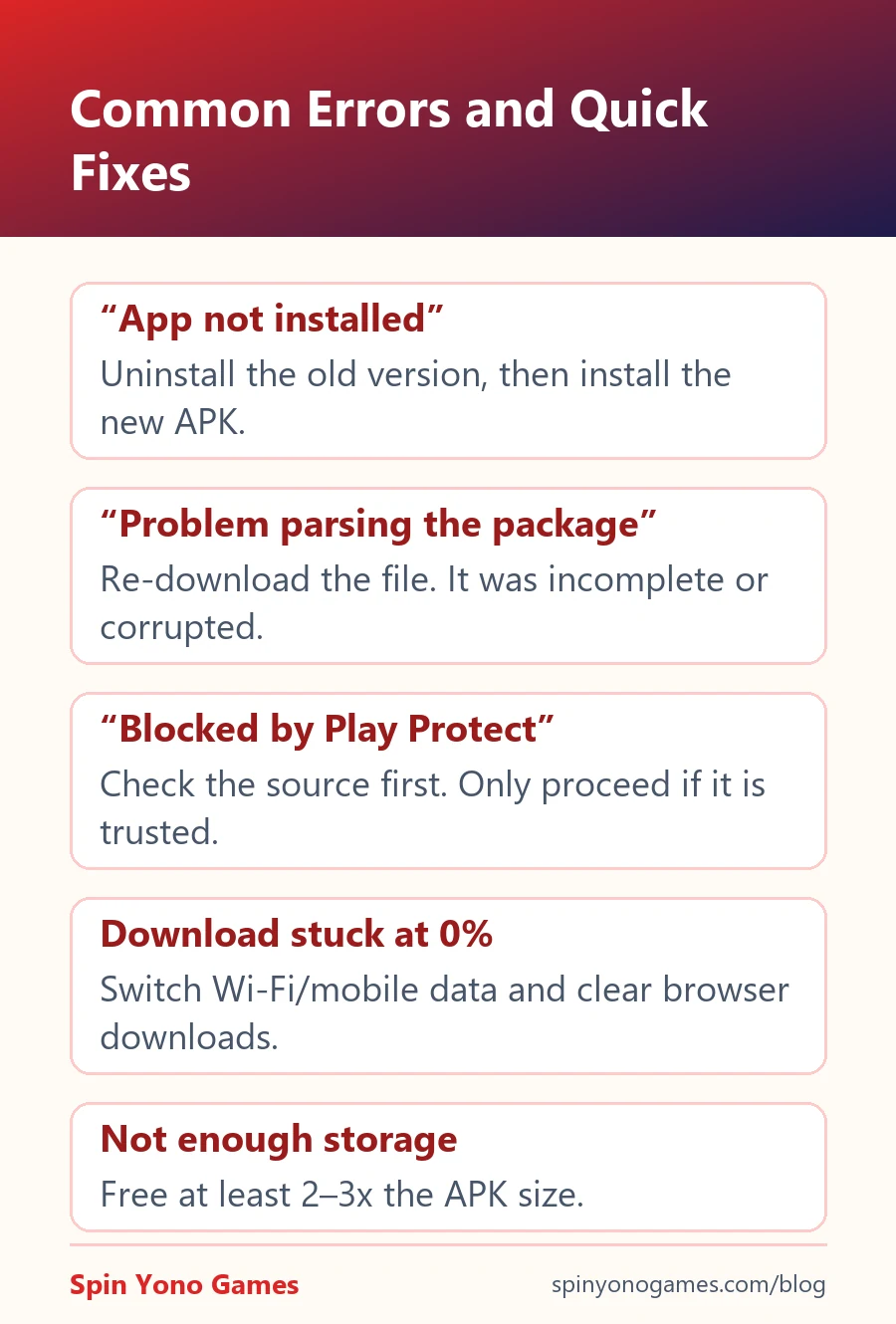
1. Re-download the file. “There was a problem parsing the package” almost always means the file is incomplete or corrupted. Delete it from Downloads and download it again on a stable connection.
2. Switch networks if the download is stuck. If it sits at 0% or stops halfway, switch between Wi-Fi and mobile data, turn off any VPN or data saver, and clear stuck items in your browser's download list.
3. Use Chrome. Some built-in browsers on budget phones rename or block APK files. Chrome handles them reliably.
4. Allow unknown apps for the right app. If you open the file from a file manager, that file manager needs the permission, not Chrome. Settings → search “unknown apps” → pick the app you are installing from → Allow.
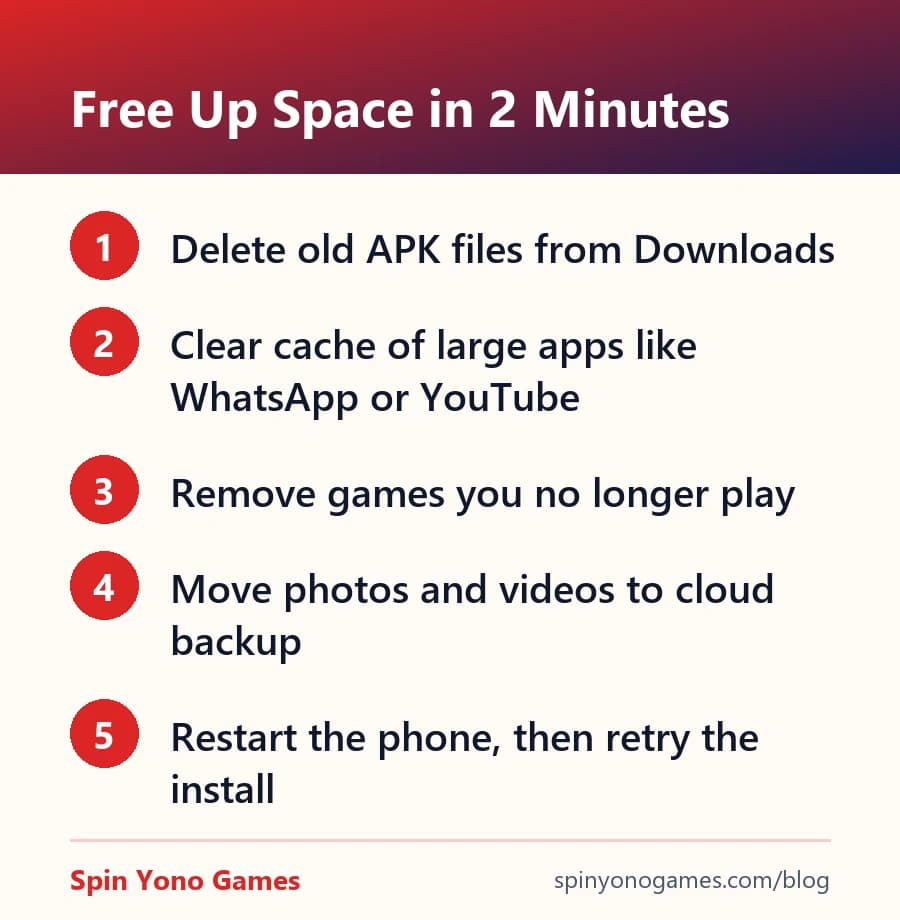
5. Free up storage. Android needs room to unpack the APK, roughly two to three times the file size. See the quick clean-up list below.
6. Check your Android version. Very old phones (Android 6 and below) may not support newer builds. If the app lists a minimum Android version, compare it under Settings → About phone.
7. Uninstall the old version. “App not installed” when updating usually means the new APK is signed with a different key from the installed one. Uninstall the old app, then install the new file. Your balance is tied to your account and returns when you log in with the same number.
8. Read the Play Protect message carefully. “Unknown app” is a routine prompt for anything outside the Play Store. “Harmful app” is a real warning, so don't install it. Get the file from a known source instead of switching Play Protect off.
9. Restart and try again. A restart clears stuck package-installer processes. It sounds obvious, but it fixes a surprising number of failed installs.
Delete old APK files from Downloads (they pile up quickly), clear the cache of heavy apps such as WhatsApp, YouTube and Instagram, and uninstall games you no longer open. Moving photos and videos to cloud backup frees the most space.
If none of the nine fixes help, the build may not support your phone. Try again when a newer version is released, or pick a lighter app from the all Yono games list.
Never install a “fixed” or “working” APK sent by a stranger to get around an error. Those files are the most common way malware reaches phones. Read is Yono game real or fake for the scams to watch for.
If UPI cash-out matters more than chip tournaments, these apps on this site have a disclosed sign-up bonus, a stated minimum withdrawal, and a download link our editors checked themselves.

Editorial note: this guide is independent commentary, not an endorsement of any specific third-party app. Real-money gaming carries financial risk and is restricted to users aged 18+; it is excluded in Andhra Pradesh, Assam, Nagaland, Sikkim, Tamil Nadu, Telangana and Odisha. Always verify an app's own terms before depositing — report an inaccuracy.